
Before deciding about Roblox, ask your child which game they want to try. The platform contains many games and social spaces made by different creators. A building challenge with a school friend can have different content and contact opportunities from the next game on the list. Start with the actual experience your child is asking for.
Check content, communication, purchases and time
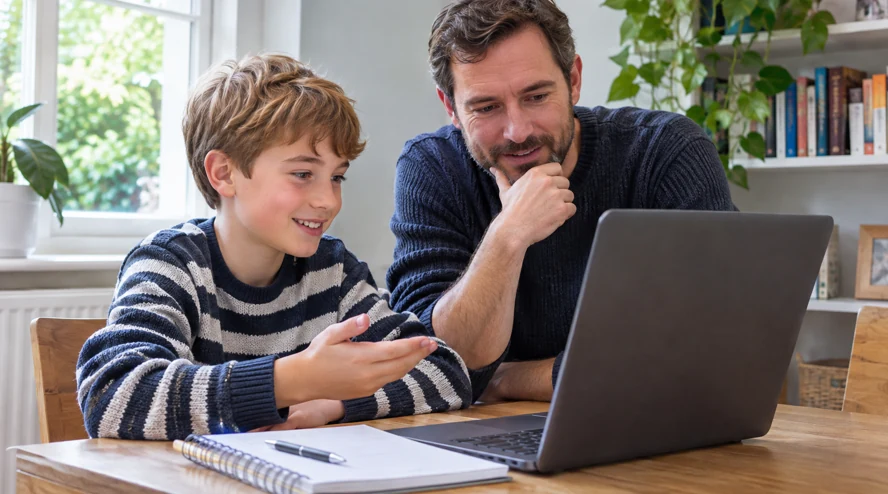
Read the game description and content label together. Play the first session alongside your child. Are they comfortable with the challenge? Do purchase prompts interrupt it? Does another player make a request they do not understand? Parental controls offer options for content, communication, spending and time, depending on the account.
Check what communication is available from the child’s account. Roblox’s current help says an age check is required for chat, with additional permissions depending on age and region. Talk about what a friend label means. Someone met through a game may still be a person your child does not know offline. Practise stopping and asking you before sharing a photo, school information or moving to a separate messaging service.
Make a small plan for the first session
Agree who can approve a purchase before the game starts. If your child wants an item, look at what it does and what it costs. Review the spending controls available for the account. Roblox warns against free Robux offers that ask for account details or send users to suspicious links. Practise keeping passwords and security codes private, even if the request sounds friendly.
Find the report and block options together. Tell your child you will listen first if a situation makes them uncomfortable. Choose a stopping point, such as the end of a round, and leave time to finish. Afterwards ask what they enjoyed, whether anyone worried them and whether they were asked to buy anything. Repeat those checks when they want a different game.
Frequently asked questions
Is every game suitable for the same age?
No. Check the individual game’s content information and how your child responds.
Does turning off chat make all other checks unnecessary?
Content and purchases can still affect the experience. Review those separately.
What if a player offers free Robux?
Do not share account details or follow an unfamiliar link. Show the message to an adult and report it.
Can a parent account remove every risk?
Controls can help manage access. Talking about what happens during play remains part of the plan.
When should we revisit the settings?
After adding a game, device or communication feature, and when the account’s age-related options change.
Sources
Signs of problematic screen use in children
Türkçe · Deutsch · English · Français · 简体中文 · 日本語 · 한국어 · العربية
Bir yanıt yazın