Is My Child Ready for Social Media? A Parent’s Safety and Privacy Guide

How to assess readiness beyond age
Readiness does not mean a child can predict every online risk. Look for willingness to pause before sharing, distinguish known people from strangers, protect personal information, and tell a trusted adult when something feels uncomfortable. These are conversation prompts, not a test or diagnosis. Children develop at different rates, and individual communication or accessibility needs should shape the plan.
Platform age rules differ and can change. Meeting a service’s minimum age does not automatically make every feature suitable. Read current terms together, never use a false birth date to bypass an age limit, and review the app’s messaging, public discovery, location, and recommendation features before deciding.
Set up privacy and safety together
Review settings from the first day
Start with a private account and a small circle of people your child actually knows. Review who can message or tag them, location sharing, contact syncing, photo access, camera and microphone permissions, and personalized advertising. Use a unique password and explain why passwords and identifying details should not be shared. Agree that your child can come to you without being shamed if they make a mistake.
Practice a pause before posting
Before sharing, ask who may see the post, whether it reveals a school, address or live location, and whether the child would be comfortable with it being copied. Teach them not to post images of other children without permission. Parents should use the same care when sharing family photos.
Rehearse what to do if something feels wrong
Talk through what to do if a stranger contacts them, someone asks for a private image, or they encounter bullying. They can stop replying, block and report the account, and tell a trusted adult. If there are threats, sexual requests or blackmail, prioritize immediate safety and contact appropriate local child-protection or law-enforcement services.

Protect everyday wellbeing
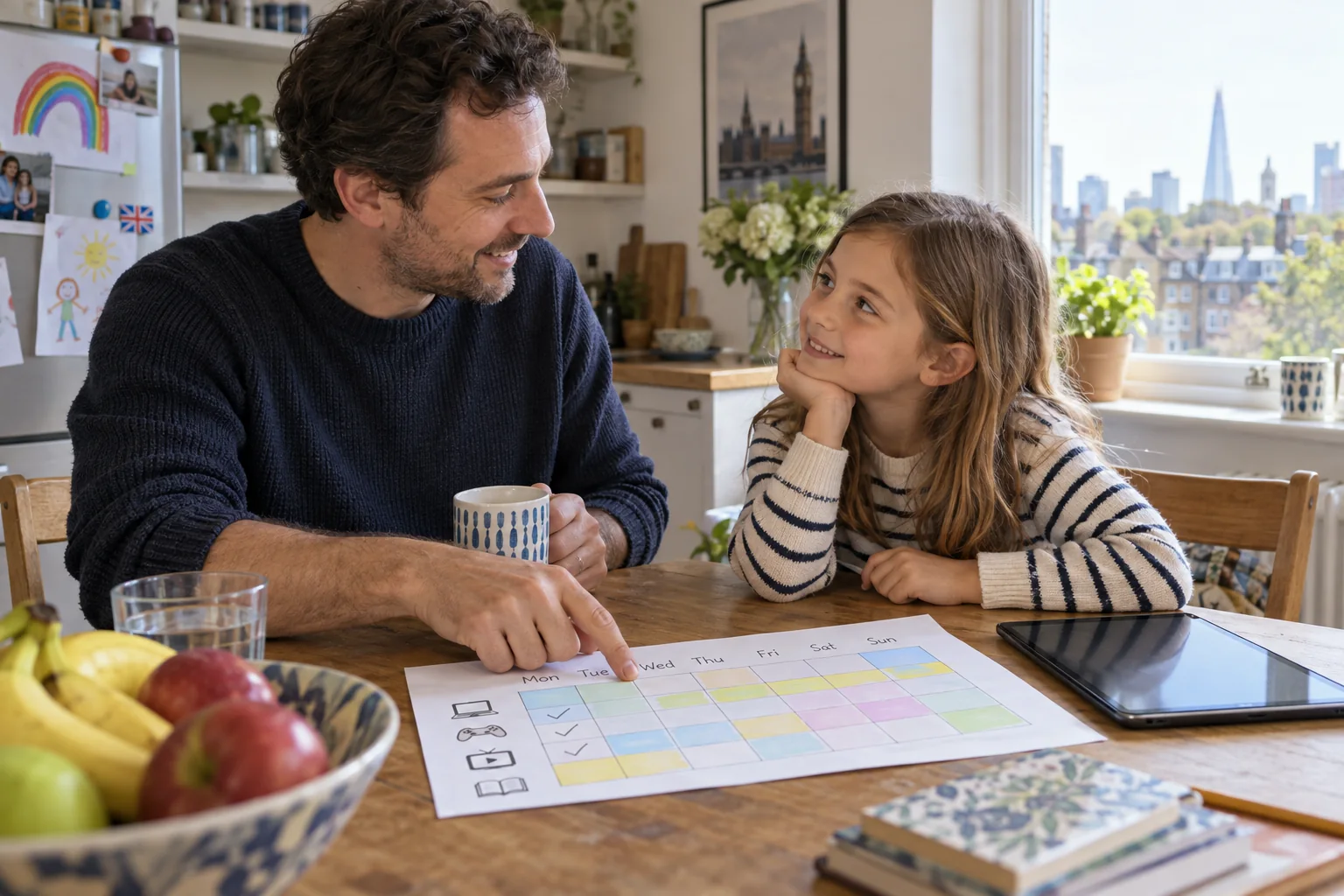
Keep sleep, school, movement, hobbies and face-to-face time visible in the family plan. Charge phones outside bedrooms where practical, mute overnight notifications, and revisit rules when routines or apps change. The American Academy of Pediatrics recommends considering the child, content, family communication and the role media plays in everyday life; UNICEF also emphasizes privacy and helping children build safe digital skills.
Keep the family agreement short and reviewable
Practice a pause before posting Before sharing, ask who may see the post, whether it reveals a school, address or live location, and whether the child would be comfortable with it being copied. Teach them not to post images of other children without permission. Parents should use the same care when sharing family photos.
Did you know?
App permissions can matter as much as a child’s posts: location, contacts, camera and photo access can all expose personal data. Reviewing those settings together is a practical way to teach digital literacy.
Frequently asked questions
What age should a child start using social media?
There is no universal readiness age. Check the platform’s current minimum-age terms and local rules, then consider privacy skills, judgment, support and the specific app features.
If my child meets the platform age, are they ready?
Not necessarily. Age eligibility is only one factor. Discuss privacy, contact settings, content and how your child will ask for help.
Does a private account make a child completely safe?
No. Screenshots, resharing and account security issues can still expose content. Share thoughtfully and limit identifying details.
Should I read every message?
Agree on transparent, age-appropriate safety checks. The level of supervision should reflect risks while protecting trust and the child’s growing privacy.
What if a stranger messages my child?
Listen calmly, advise them not to share information or images, block and report the account, and seek urgent help if there are threats or sexual approaches.
Should we delete the account after cyberbullying?
First support the child and address immediate safety. Preserve relevant evidence safely, block and report the account, then decide together whether to pause or close it.
How can I set limits if social media takes too much time?
Talk about what is displacing sleep, school or other activities. Reduce notifications, agree on screen-free times, and choose appealing offline alternatives together.
Can I post photos of my child?
Consider the child’s wishes, audience, identifying details, location and possible future impact. Avoid sharing sensitive or embarrassing images.
What if my child used a false birth date?
Ask why without shaming, review the platform terms together and correct the account information. If unsafe contact occurred, stop use and contact platform support.
Related reading
Filifu Child and Family Library · Family screen-time plan
Sources
- American Academy of Pediatrics — Family Media Plan
- UNICEF — Online privacy checklist for parents
- UNICEF — What parents need to know about sharing children’s photos
This article provides general information, not individualized advice.