
Start by checking the username on the device your child actually uses. A shared tablet may still be signed into a sibling’s account. Then work through the controls in a simple order: content, communication, spending and time. Tell your child what each change is for so they know how to ask for a different game later.
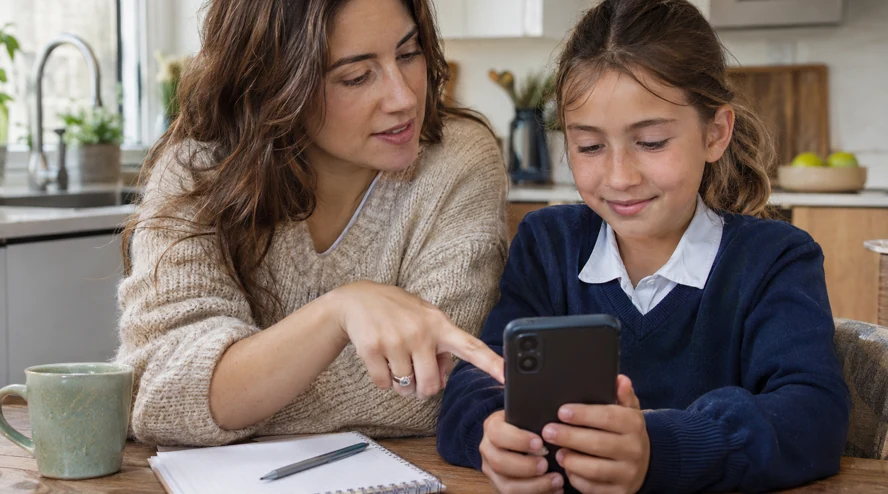
Link the parent account and review access
In the child account, open Settings and Parental controls, then the option to add a parent. Follow Roblox’s official verification and linking steps using your own parent account. After linking, select the correct child in your parental dashboard. Available controls depend on the account’s age and region.
Read the content descriptions before choosing a maturity level. Review any allowed or blocked game lists as well. Roblox says that blocking a game while a child is playing takes effect the next time they enter it. Finish the current session with them, then check the result. Explain how a request for an extra game can be sent.
Next look at communication. Game chat and friend or party features can have separate controls, and some need an age check or permission. Read what is currently enabled. During a shared session, notice other ways players interact inside the game as well. The aim is to understand what the child can actually do from that account.
Check purchases and timing without making a test purchase
Where available, set a monthly spending limit and explain who approves purchases. Roblox says gift card redemption is outside that limit and some console transactions may not be covered. Check the store or device purchase settings if your child uses a console. Confirm the address that receives spending notifications.
If you can set a daily limit, choose one that fits the family plan. Some controls move to the child as they get older, so check the permissions offered on the actual account. Open an allowed game with your child, check a blocked game on the next entry and talk through what will happen at the end of their time. Review the plan a week later, including whether the child had a clear point to finish.
Frequently asked questions
Must I have my own Roblox account?
Linking your own account enables management from your device and notifications. Roblox also offers Parent mode on some child devices; check the options available to you.
Why can my child still play a game I blocked?
The block takes effect on the next entry. It does not necessarily end the session already in progress.
Does the spending limit cover gift cards?
Roblox says it does not cover redemption. Some consoles also need their own purchase settings.
What if a setting is missing?
Check the child account selected and the controls currently available for its age and region.
How do I know the setup worked?
Review the child’s view of an allowed game and a blocked one, then check the saved controls. No test payment is needed.
Sources
Türkçe · Deutsch · English · Français · 简体中文 · 日本語 · 한국어 · العربية
Bir yanıt yazın