
You want your child to call when a club finishes early. Write that job down before comparing watches. It helps you ask whether the watch can make the call on its own, what connection it needs and whether your child can use it. Ask the school about its device rules as part of the same decision.
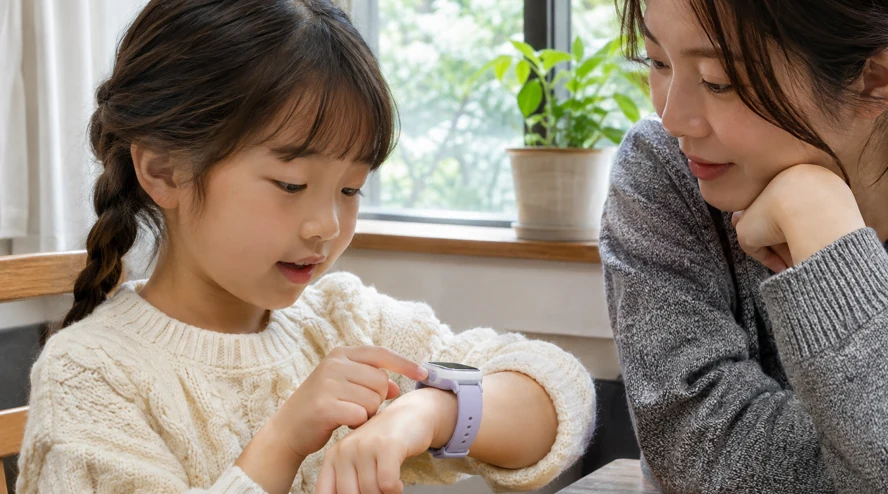
Test the communication you actually need
Use the manufacturer’s documentation to check whether the watch needs its own mobile plan or a nearby paired phone. Confirm SIM or eSIM compatibility, network support and ongoing app or subscription costs. Check whether you can manage who calls the child and whom they can call. Find out what the SOS button does and who receives the alert. Practise a normal call to a family number before relying on it outside.
A location dot is more useful when you can see the update time and connection status. GPS.gov explains that buildings and indoor use can reduce GPS accuracy. Read how the model obtains its position. Make an agreed call and meeting plan for a late update or a flat battery, then talk the child through it.
Compare privacy, support and comfort
Before buying, find out who can see location information, how long it is kept and how to delete an account. The UK’s ICO notes that location sharing can expose places in a child’s routine. Explain the sharing to your child. Give the parent app a unique password and use additional sign-in protection if available. Review the permissions it requests.
Check how long security updates are supplied. NCSC guidance highlights software updates and continuing manufacturer support. Then try the strap and buttons with the child. Can they read the screen and make the agreed call? Check battery reserve through a typical day. If there is a school mode, find out which calls still work. Consult the exact model’s instructions for water resistance.
Frequently asked questions
Is there a right age for a first smartwatch?
Consider the task, the child’s ability to use it and the school’s rules. Practise what happens if it is unavailable.
Can I trust the location dot completely?
Check when it last updated. Buildings, indoor use and connection issues can affect what you see.
Does SOS always call emergency services?
That is model- and setting-dependent. Read the instructions and practise using agreed family contacts.
How should we check the battery?
Use it for a normal day with your planned calls and location features, then note the remaining charge.
What about buying second-hand?
Check that the previous account has been removed and that the watch can be paired to yours, with software support still available.
Sources
Your child’s first phone: needs and readiness
Türkçe · Deutsch · English · Français · 简体中文 · 日本語 · 한국어 · العربية
Bir yanıt yazın